Mobile product design
FitZen: turning an AI result into an everyday workflow
Photo analysis alone is not the product. Reviewing, saving and finding a result later are part of the experience.

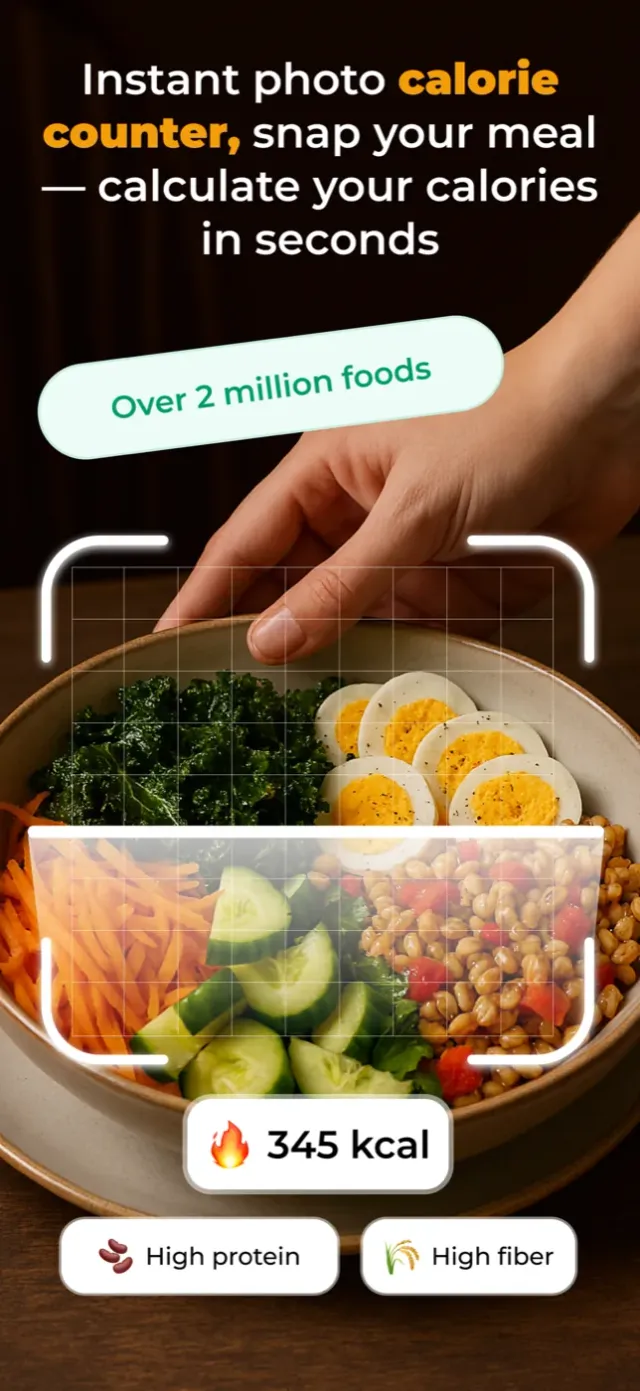
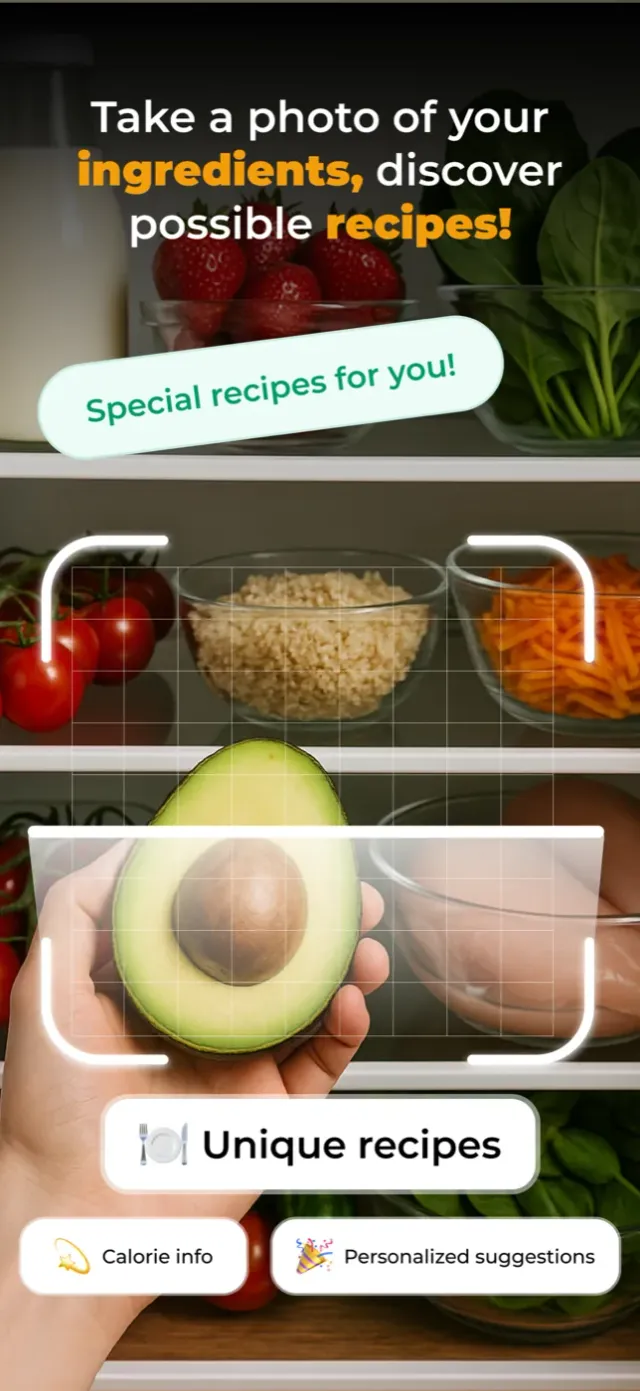
From model output to a user decision
FitZen starts with a food photo from the camera or gallery. Photo preview, analysis and results are separate states. Foods, portions and nutrients appear as estimates that the user reviews before moving to a daily entry. The design decision is to distinguish a result from the act of saving it, rather than silently treating model output as definitive data.
The interface has a job while users wait
A mobile user needs to know whether analysis is still running. Camera permissions, uploads, errors and retries matter alongside the main screen. Without planning these states, a functioning AI integration can still feel confusing in everyday use. Distinct responsibilities for FitZen’s photo, result and diary screens let us address these states as part of the whole product.
Repeat use needs connected data
Meal history, water and activity tracking, recipe generation and subscription access are other parts of FitZen. Firebase records and local caching support historical access; a separate web dashboard handles content and management. The lesson is to scope an AI feature beyond its API call. Where a result is stored, how it is found later and who can access it also belong in the delivery.
What happens when no food is detected?
FitZen’s image analysis service handles invalid image data before calling the model. No food detected in a response and an unavailable analysis service are separate error states. Cancelling camera or gallery selection is also distinct from analysis failure. Daily history is handled by another service with date-based records and range queries. This separation preserves the distinction between an analysis attempt and a saved diary entry across the product.
APPLY IT TO YOUR PRODUCT
Mobile App Development
Native iOS with Swift and SwiftUI, or cross-platform with React Native. Idea to store, end to end.