
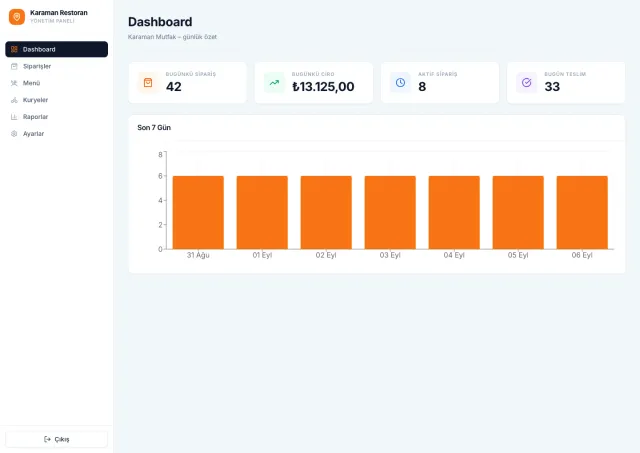
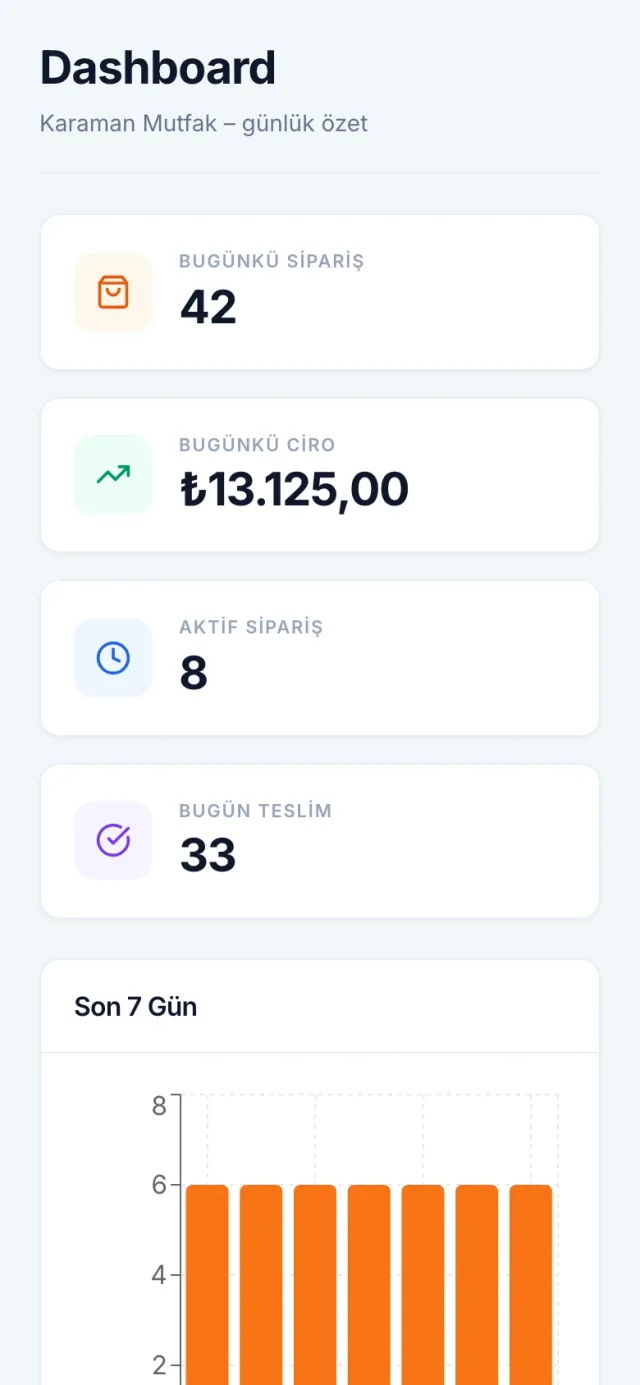
Karaman Restaurant
WebA restaurant dashboard for menus, orders and courier operations.
INDUSTRY
A customer app, restaurant panel and admin panel for Karaman.com: iyzico and Garanti POS, PostGIS delivery zones, realtime orders and receipt printing.
SHORT ANSWER
For Karaman.com we built the customer mobile app, the restaurant panel and the central admin panel on one Supabase project. Orders are paid with iyzico, Garanti POS or cash on delivery; a successful online payment does not count as restaurant approval, so every order starts as pending. Delivery zones are validated server-side as PostGIS polygons, and new orders reach the panel through a realtime subscription plus a 15-second poll.
A common mistake in ordering apps is to treat an order as approved the moment payment succeeds. The restaurant may not be able to prepare that item at that hour, the address may fall outside the delivery area, or the kitchen may already be closed. An order that has been paid for but that the restaurant does not know about is the worst case for the customer.
In the Karaman mobile app create-order always opens the order as pending. iyzico-webhook and garanti-webhook process the payment without standing in for restaurant approval; approval or rejection comes from the restaurant’s panel. Cash-on-delivery orders go through the same flow, so what the restaurant sees does not depend on the payment method.
Status transitions are bound to the authorised role, and every transition writes a single history record. We put the rule in the database rather than the interface: approve and reject transitions run under row-level security and passed a local database test run under the restaurant role. Only the authorised role can make a transition, and who changed what and when is always on record.
If a new order goes unnoticed in the kitchen, the customer waits. The field requests for the Karaman restaurant panel were exactly about this: an order sound, receipt printing, and letting the restaurant draw its own delivery zone.
New and pending orders are tracked through a realtime subscription, with a 15-second poll running alongside so that a dropped connection does not lose an order. Browsers will not play sound without a user interaction, so the panel has a separate button that enables audio; once that permission is given, new orders are announced with a sound.
Order detail offers 58 and 80 mm receipt formats and printing. The receipt carries items, variants, the customer’s note, the address, the payment method and the total. No separate printer software is needed; printing happens from inside the panel.
Panel screens are split by task: orders, menu, couriers, reports and settings. The September 2026 release closed nine items on the client’s feedback list and added a mobile hamburger menu and horizontal-overflow fixes.
Keeping a delivery zone as text (a list of neighbourhoods, postcodes) does not hold up in practice; the area a restaurant’s courier covers rarely matches a district boundary. In Karaman a zone is a polygon that the restaurant draws itself in the panel, with adding points, undoing the last point and editing the existing polygon all supported.
The drawn shape is not trusted. Zones are stored in PostGIS through the geography_helpers and delivery_zone_rpc migrations, and the server checks for a valid Polygon before saving, so an invalid shape never gets in. Whether a customer’s address is inside the zone is also answered on the server rather than the client, so the rule lives in one place.
Commission is computed from the same data: the rate applies to the order total (200 TL × 10% = 20 TL). A separate correction migration was written for pending commissions, so the fix stays traceable in the database.
The structure is the same for one restaurant or many in a city: each restaurant draws its own zone and the platform only guards the rules.
Karaman.com already had user accounts, restaurants and an API before the mobile app. The app had to deliver the city portal and food ordering in one experience without rebuilding any of that.
A bridge Edge Function, bridge-session, validates the karaman.com JWT and maps it to a Supabase profile. The site’s real email is used, and synthetic profile emails created earlier were cleaned up. No Karaman API key lives in the app; calls go through karaman-proxy.
The code is a monorepo: an Expo SDK 55 app plus shared packages (API client, types, utilities). The client builds for the stores from their own Expo and Firebase accounts, so no secret lives in the source. The production profile refuses to build with mock data, so a release with test data cannot reach the stores.
The handover took place in September 2026 with source, setup instructions and server release notes. The city side of the app carries news, tourist places, on-duty pharmacies, weather and transport schedules; the ordering side carries restaurants, order tracking and campaigns.
The restaurant’s own panel and the panel that runs the platform are separate interfaces sharing one Supabase project. The Karaman admin panel splits screens by task: restaurants (creation and an edit screen that loads existing data), users, orders, commissions, campaigns, ad banners, comment moderation, payment settings, app versions and reports.
Push notifications go to registered and guest segments by category preference. To reach guests, device registration is kept independent of accounts, and duplicate and stale tokens are pruned.
Ad banners carry an end date and an active flag; an expired or inactive banner never shows on mobile and does not wait for someone to remove it by hand. App versions are managed from the panel.
City services live in the same panel in their own sections: transport schedules, ATMs, charging stations and water fountains. A single restaurant does not need a panel this wide; we draw the scope with you during discovery according to the size of the business.
In food and fresh-produce delivery an order is not one person’s job. In HalApp the customer, picker, driver, manager and admin each looked at a different stage of the same order. Five separate apps would have multiplied cost and inconsistency; a single app had to keep every role focused on its own work.
The answer was five roles in one Expo app, each in its own route group. The customer sees catalogue, cart, order tracking and notifications; the picker prepares orders; the driver gets routes and deliveries on a map; the manager handles approvals and customers; the admin runs the dashboard, staff and products. The role is resolved at sign-in and navigation is built around it, so a driver never lands on a product management screen.
State is handled with zustand, styling with NativeWind and maps with react-native-maps. Catalogue, cart, order preparation, delivery and approval flows were delivered to the client in one codebase for iOS and Android; the project is archived.
If your restaurant runs its own couriers, a delivery team or distribution from a central kitchen to branches, this role split applies directly.
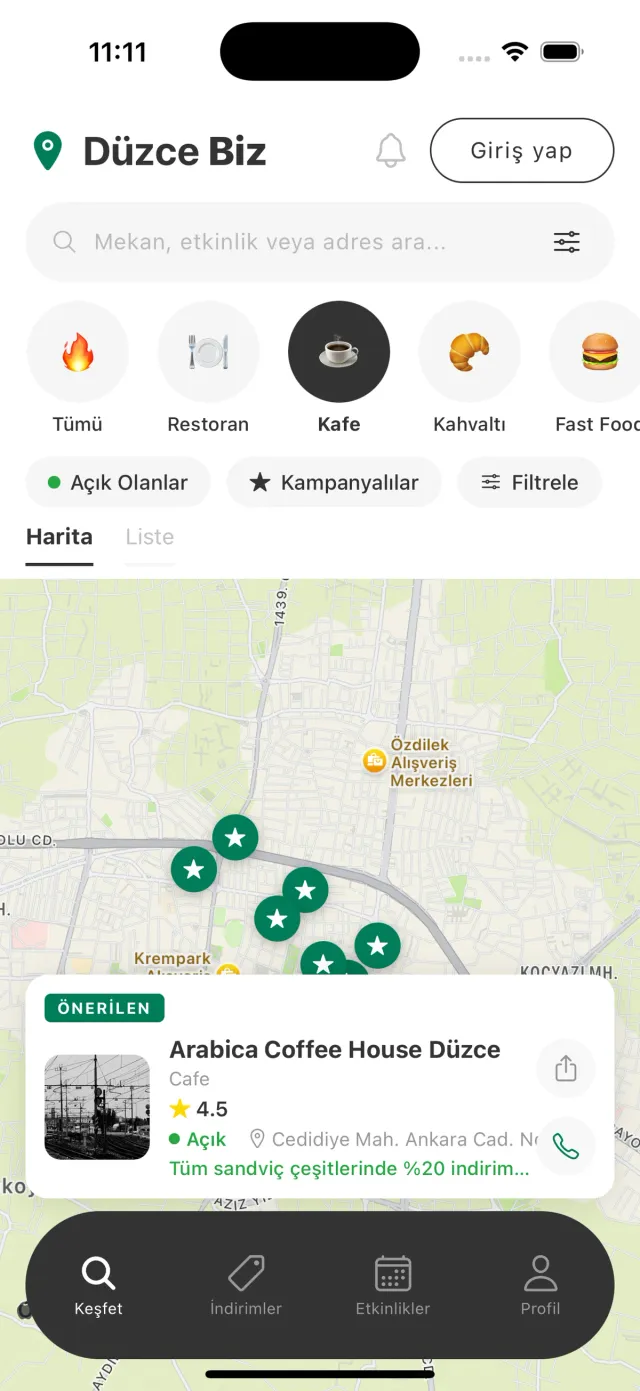
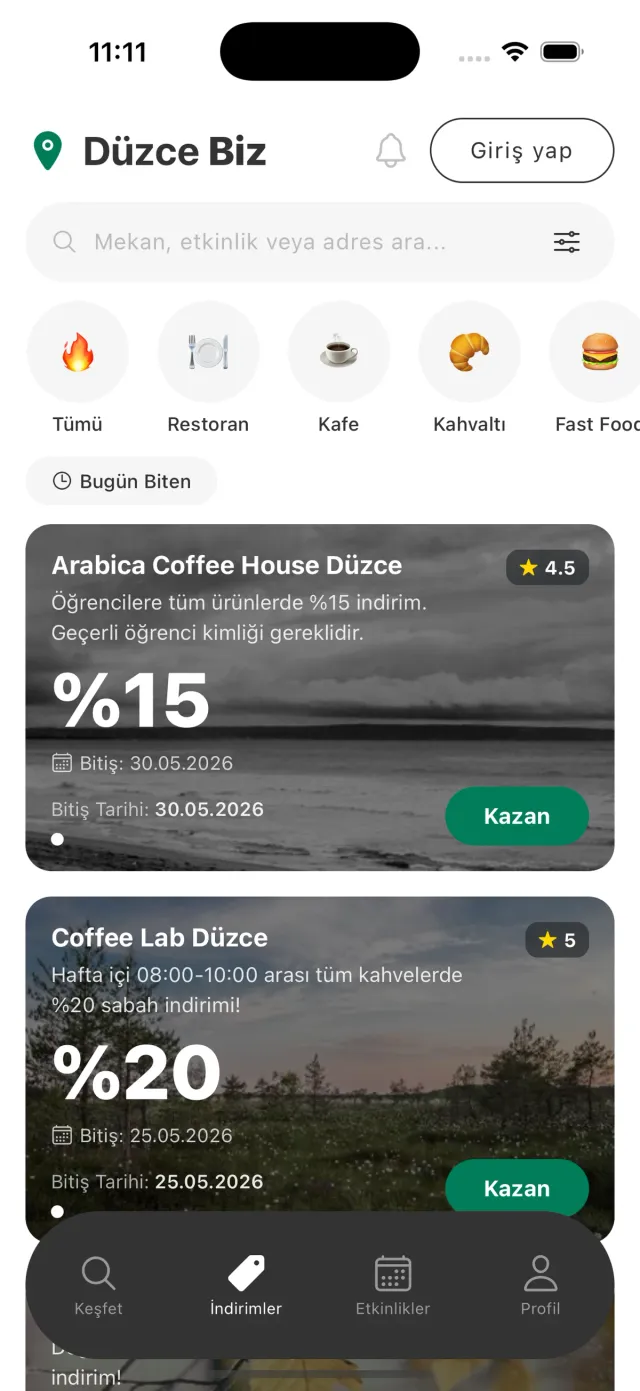
Not every food project is an ordering flow. Düzce Biz is our own product that brings a city’s venues, offers and events into one app. An Expo mobile app, business and admin panels on Next.js 16 and Firebase Cloud Functions live in one monorepo. Venues filter on the map and in the list by category, distance and whether they are open right now.
A business applies from the app, and when the admin approves, the onApplicationApproved trigger creates the account and profile. Scheduled jobs run on the server: cleanupExpiredCampaigns removes expired offers, notifyClosingSoonFavorites tells users when a favourite venue is about to close, and calculateBusinessRating recomputes the rating on every new review.
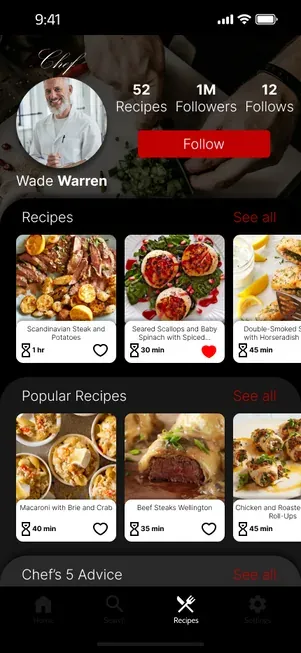
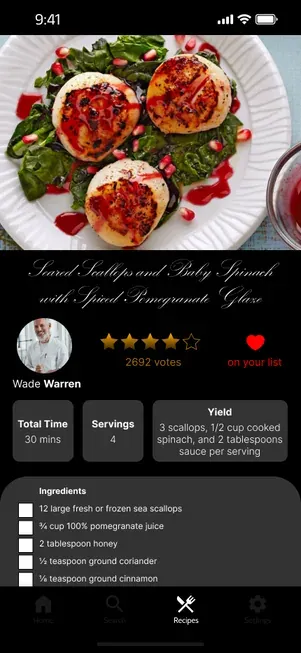
Dine Divine is an iOS recipe platform for chefs. Chef recipes are broken into step-by-step instructions: each step is one screen and one job. The community can share its own recipes, but the curated library is a separate space that community content never mixes into.
If the menu, offers or loyalty side matters as much as ordering for your restaurant, the decisions in these two products are a starting point.
In Karaman, iyzico, Garanti POS and cash on delivery work side by side. Which provider you use depends on your bank and existing agreements, and we settle that during discovery. Whatever the method, the order starts as pending and payment webhooks never stand in for restaurant approval, so there is no paid order that the kitchen has not seen.
Yes. In the Karaman restaurant panel a 58 or 80 mm receipt can be chosen and printed from the order detail, carrying items, variants, the customer’s note, the address, the payment method and the total. Printing happens inside the panel without separate printer software. If a different printer model or automatic printing is needed, we test it with the device during discovery.
Yes. In Karaman the restaurant draws its zone on a map in the panel, with adding points, undoing and editing the existing polygon. The saved shape is stored in PostGIS and the server checks that it is a valid Polygon. Whether a customer’s address falls inside the zone is also checked on the server, so a change takes effect immediately across every version of the app.
In Karaman commission is a rate on the order total; on a 200 TL order a 10% rate means 20 TL commission. Commissions are tracked on their own screen in the admin panel. A separate correction migration was also written for pending commissions. Rules such as a rate per restaurant or per category are defined during discovery.
Yes. In Karaman device registration is independent of accounts, so push also reaches guest users. Sending targets registered and guest segments by category preference, and duplicate and stale tokens are pruned as part of sending. Which events trigger a notification, and for which segment, is defined with you during discovery.
At Karaman.com we solved this with a bridge function: bridge-session validates the site’s JWT, maps it to a Supabase profile and keeps the site’s real email. Users do not sign up again and the site’s API key never enters the app; calls go through a proxy. We review your site’s identity setup during discovery and tell you whether the same approach applies.
You do. App Store and Google Play developer accounts, servers and service accounts are opened in your name. At delivery we hand over the full source code, the design files and every credential.
No. We design the user screens and the admin panel screens for your project and build them from scratch, so the panel follows your workflow.
RELATED STUDIO NOTES
A restaurant dashboard for menus, orders and courier operations.
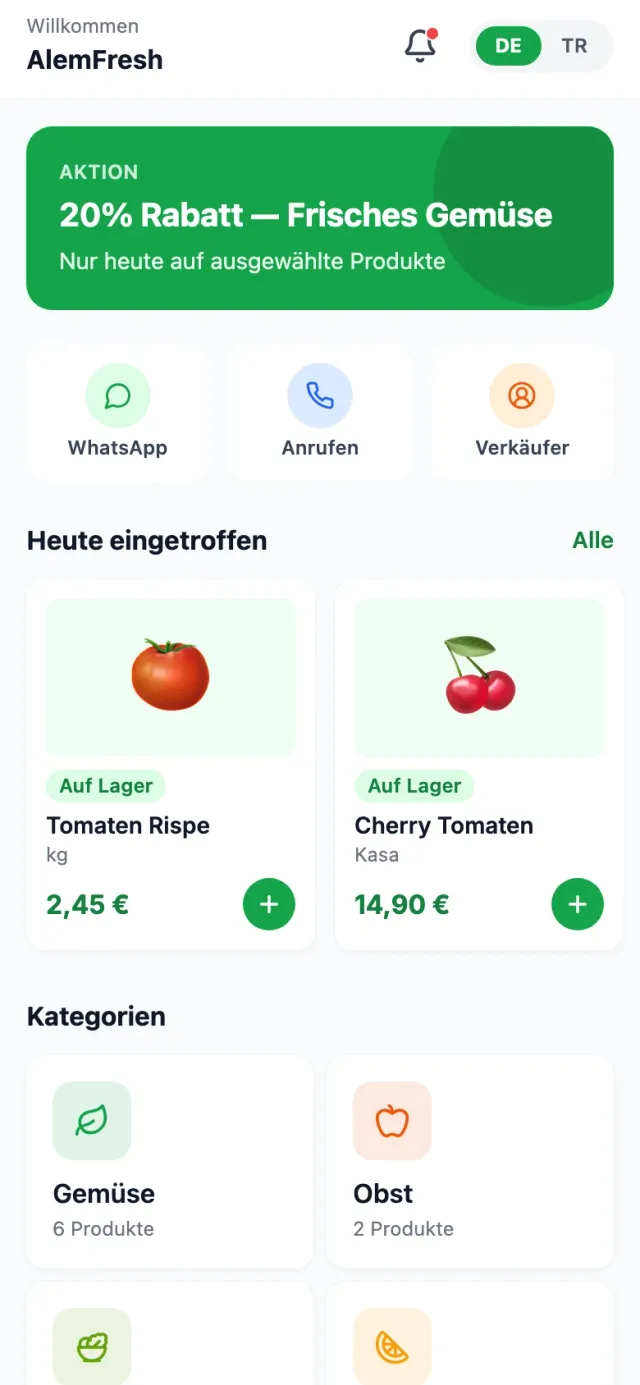
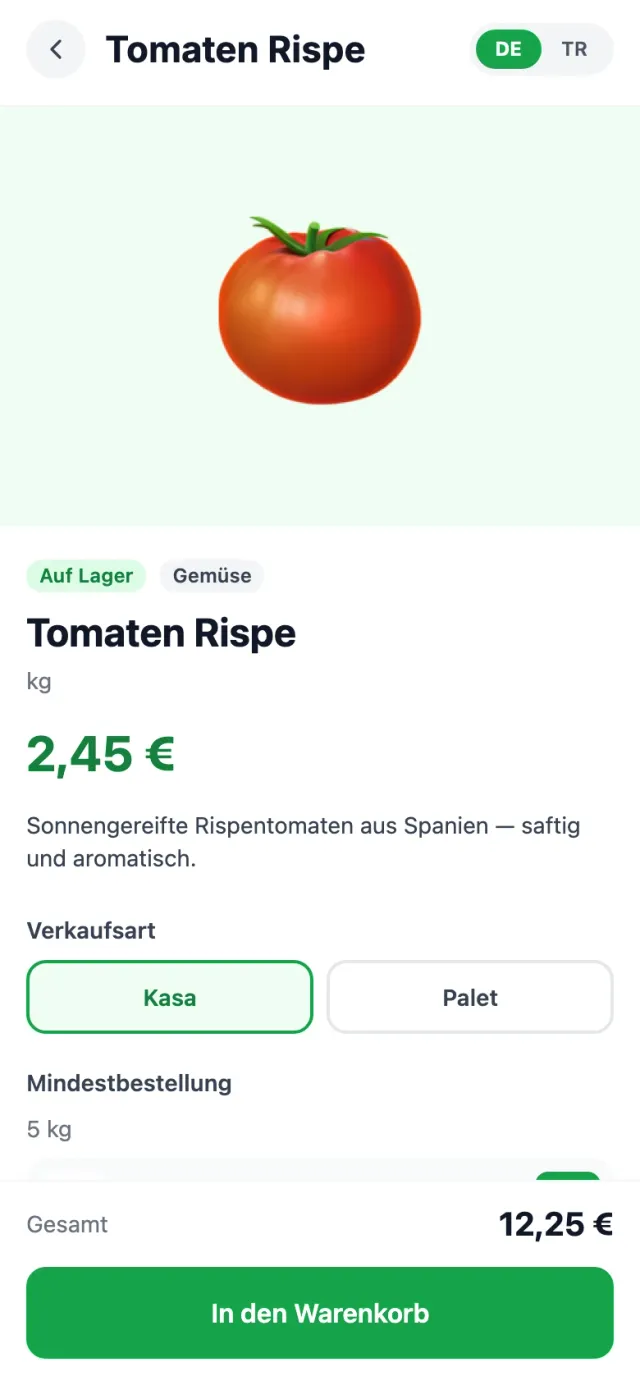
A mobile shopping experience for fresh produce, from catalog to order.
Local places, offers and events in one city companion.
An exclusive recipe platform for professional chefs.
It starts with an intro call. We define the scope and timeline together, then send you a written proposal.
hello@amgsoftwarestudio.com
